
How to Search Wake County Court Records
Wake County court records are searched through the North Carolina eCourts Portal at portal-nc.tylertech.cloud. The Portal is free and public. It covers criminal, civil, special proceeding, and estate case information for all 100 counties, including Wake. Smart Search finds case records by name, case number, or attorney. Search Hearings finds court dates. The system needs JavaScript and cookies, and it adds a CAPTCHA challenge every five minutes for everyone, signed in or not.
Before you start, gather a full name and, if you have it, a case or citation number. A date range helps with common names. The Judicial Branch court records help topic explains the basics of what is available and where copies come from.
The Judicial Branch court records help topic is the official starting point for record searches.
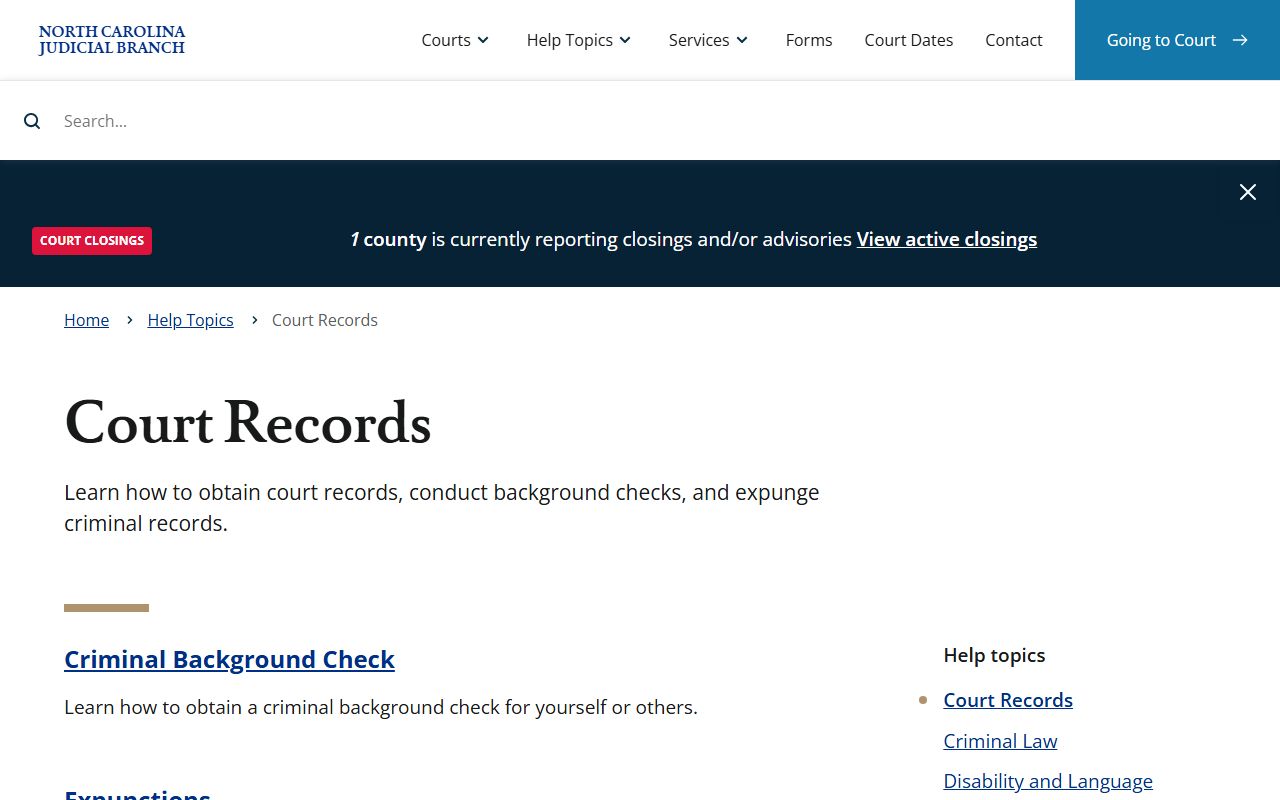
The help topic links the Portal, criminal background check options, and the public records request process.
- Open the eCourts Portal and accept the usage notice.
- Choose Smart Search for case records or Search Hearings for court dates.
- Enter a party name, case number, attorney, or citation number.
- Select Wake County, which sits in District 10.
- Open a matching case and review parties, events, and dispositions.
- Contact the Clerk of Superior Court for a certified copy.
Wake County Court Records Search Fields
Smart Search and Search Hearings share several fields. You do not have to fill all of them. A single accurate field, like a case number, often returns the cleanest result. The table below lists the public Portal fields drawn from the official tool and the Judicial Branch criminal background check page.
| Field Label | Type | Required | Notes / Format |
|---|---|---|---|
| Name | Text | No | Party, defendant, or business name; try spelling variations. |
| Case Number | Text | No | Most precise search; format varies by case type. |
| Attorney | Text | No | Search by attorney of record where public. |
| Citation Number | Text | No | Used for traffic and infraction court-date lookups. |
| County | Dropdown | No | Select Wake County for District 10 cases. |
| Date Range | Date | No | Helps narrow hearing and event searches. |
| CAPTCHA | Challenge | Yes, periodic | Required every five minutes for all users. |
Note: The Portal shows public case information only; sealed, juvenile, adoption, and expunged matters do not appear in ordinary results.
Types of Wake County Court Records
Wake County court records fall into a handful of categories, and each comes from a specific division. Civil matters, except marriages, run through the Wake County Courthouse. Criminal matters run through the Wake County Justice Center. District Court hears family, juvenile, and lower-value civil claims, while Superior Court hears felonies and larger civil cases. The Clerk of Superior Court also handles estates and special proceedings.
Knowing the category points you to the right clerk line and tells you whether the file is even public.
- Criminal cases, including felony and misdemeanor files, pleas, and judgments.
- Civil cases, including complaints, motions, judgments, liens, and small claims.
- Family cases, including divorce, custody, child support, and domestic matters.
- Probate and special proceedings, including wills, estates, and guardianship.
- Traffic and infraction cases handled in Administrative Traffic Court.
What Wake County Court Records Show
A public court record holds the basic facts of a case. The exact fields depend on the division and case type, but most files share a common core. The Portal typically shows the case number, the parties, the filing date, the events or docket entries, the hearing schedule, and the disposition. Protected identifiers stay redacted. Documents may be listed, but download access depends on the record type and your access level.
| Field | What It Shows |
|---|---|
| Case Number | The eCourts identifier for the matter; format varies by division. |
| Filing Date | When the case was filed or initiated. |
| Parties | Plaintiff and defendant, State and defendant, or petitioner and respondent. |
| Disposition | The current or final outcome of each charge or claim. |
For docket-level detail, see the Wake County court dockets page.
Public Access Framework for Wake County Court Records
North Carolina's public records law is Chapter 132 of the General Statutes. Under N.C.G.S. § 132-1, public records are materials made or received by a government agency in the course of public business, and any person may inspect them and get copies. The Judicial Branch points users to the Portal for case information and to the Clerk for certified copies. For administrative Judicial Branch records that are not in a case file, there is a separate public records request form.
The Judicial Branch public records request page explains the options and notes that agencies are not required to create a record that does not already exist.
Start at the Judicial Branch public records request page for administrative records.
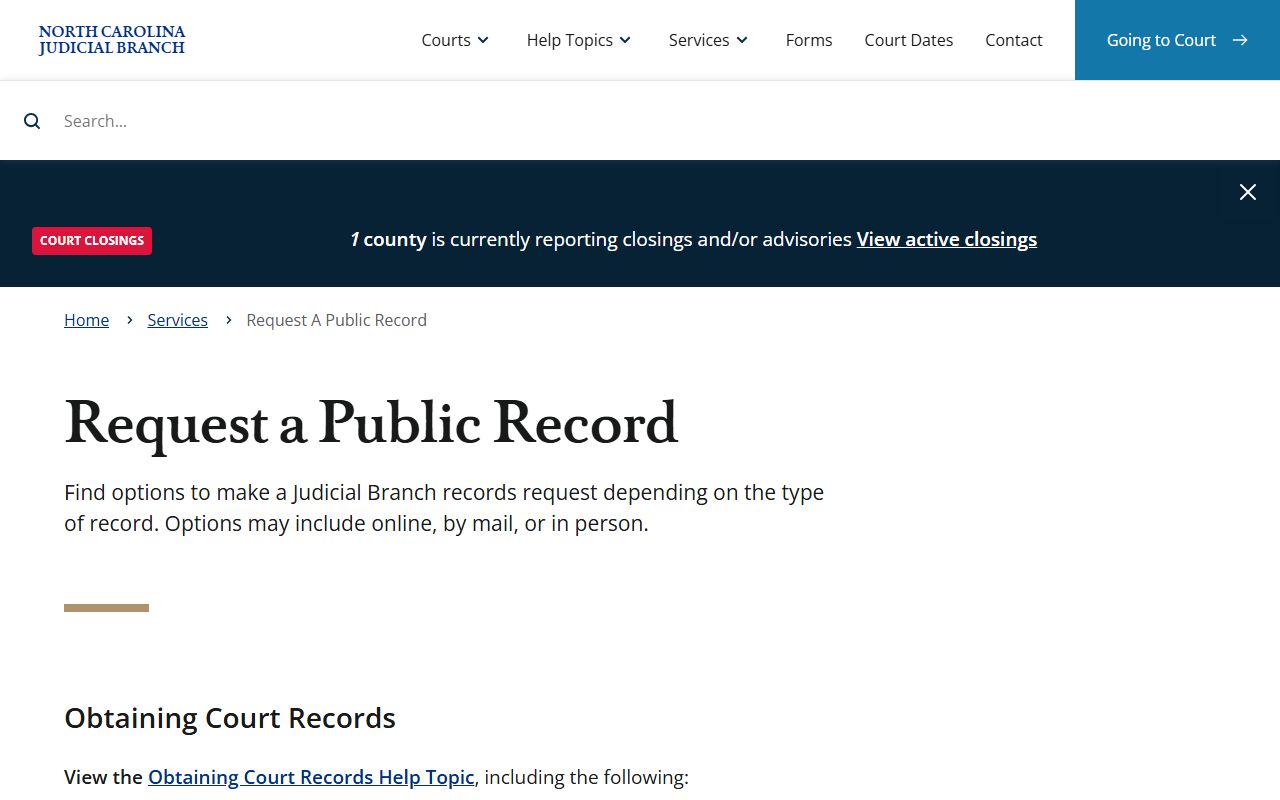
The page links the request form and routes case-file questions back to the county Clerk.
For a plain-language overview, the North Carolina public records law FAQ answers common access questions.
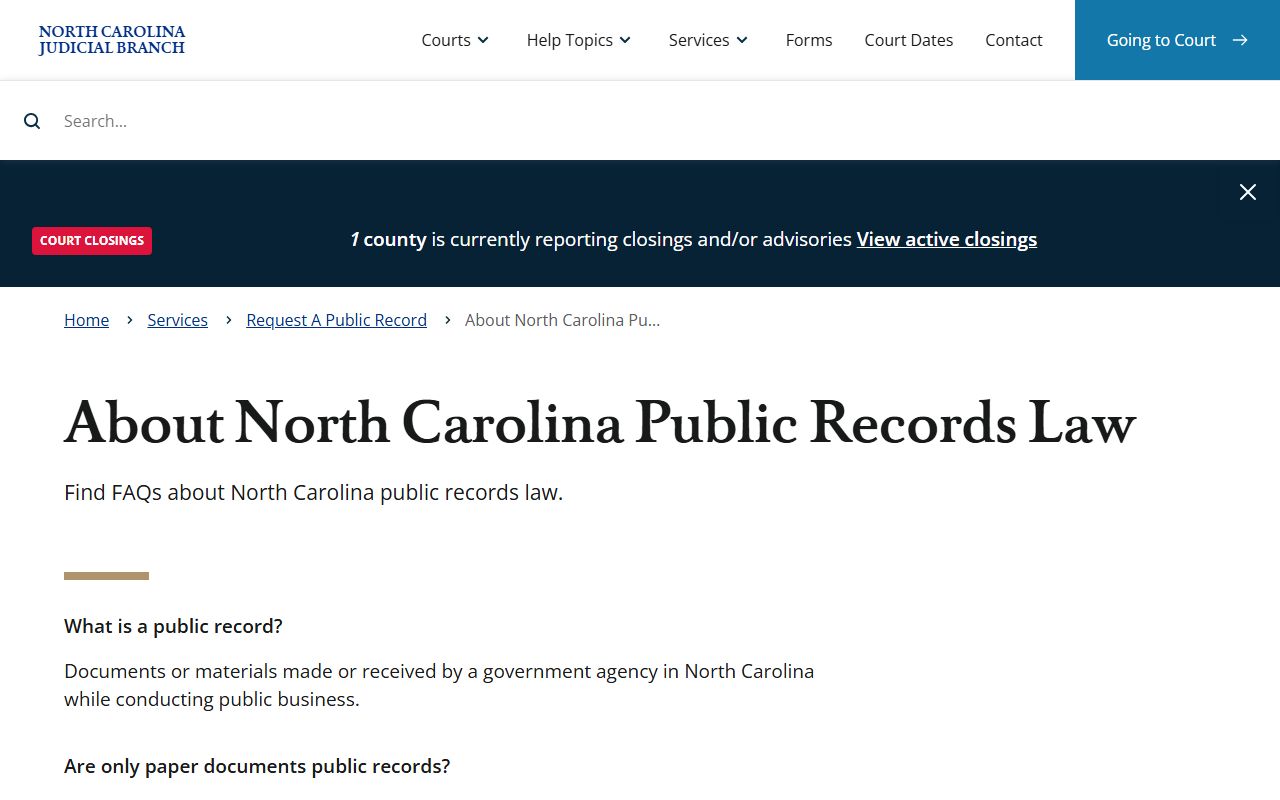
The FAQ clarifies inspection rights, copy fees, and what counts as a public record.
Note: Any person may inspect public court records, but the Clerk of Superior Court remains the official custodian and the only source of certified copies.
Records That Are Sealed or Confidential in Wake County
Some Wake court records are closed by law. Juvenile delinquency and undisciplined adjudications are not public under N.C.G.S. § 7B-3000. Adoption files are confidential under N.C.G.S. § 48-9-102. Expunged records are removed, sealed, or destroyed, and access afterward is limited to authorized entities. Domestic violence filings may have redacted addresses and identifiers. Sealed indictments and search warrants can stay closed during an active investigation.
To view a sealed file, the usual path is a motion or petition filed in the case with the court that has jurisdiction. A standard public records request will not unseal a court file. The Clerk can tell you the case status but cannot give legal advice on the petition itself.
Background Checks and Certified Copies
The Judicial Branch criminal background check page explains a low-cost option many people miss. Public access computers at any courthouse let you run self-service, non-certified background checks and search, view, or email criminal records for any county or statewide without charge. The Portal does the same online. For an official certified background check used in employment or licensing, you go through the SBI or the proper clerk process instead.
Certified copies of any Wake case come from the Clerk of Superior Court, not the Portal. The Portal helps you find the case number; the clerk issues the stamped document.
See the Judicial Branch criminal background check page for the courthouse terminal and Portal options.
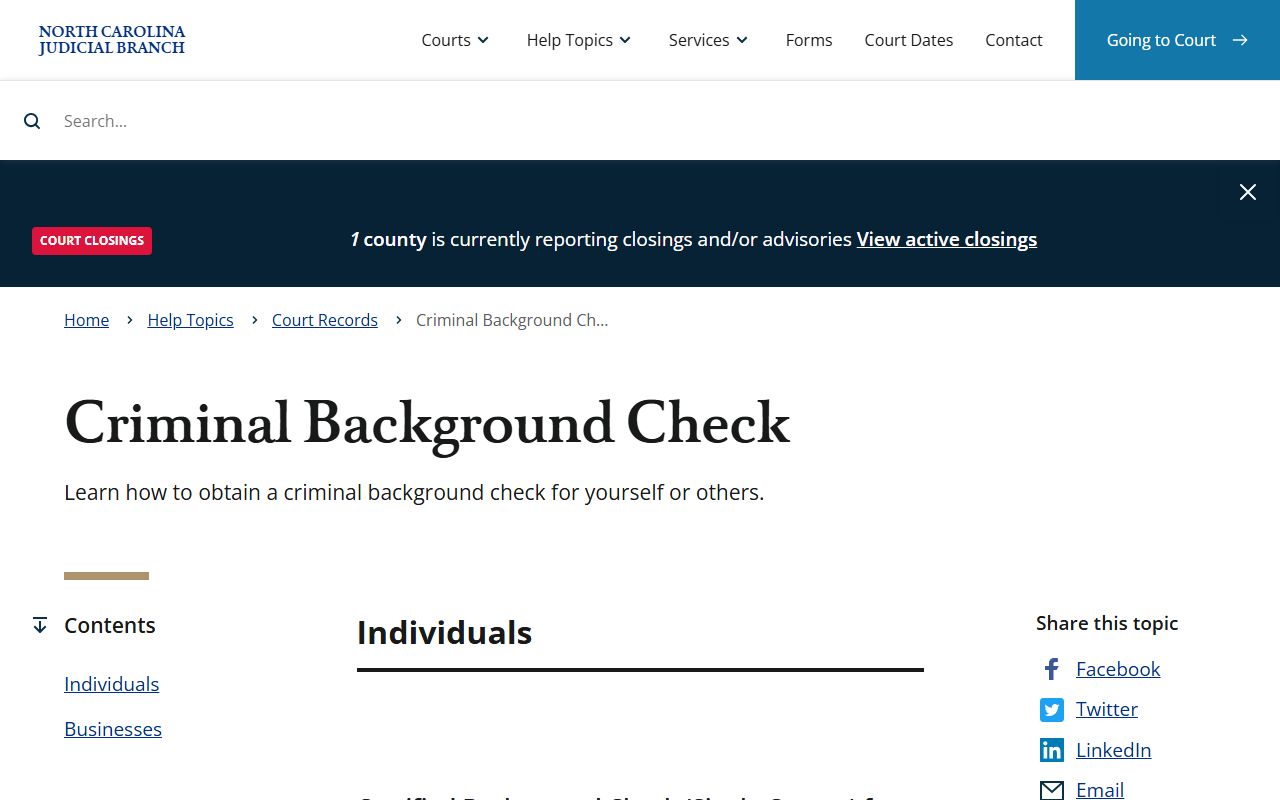
The page describes free courthouse terminals and the SBI right-to-review process for official checks.
In-Person Court Record Requests
You can also request Wake court records in person. Civil files are at the Wake County Courthouse on Fayetteville Street Mall, and criminal files are at the Justice Center on Salisbury Street. Bring a photo ID, the case number if you have it, and payment for any copy fees. The NCAOC public records policy page explains how administrative requests are handled and notes that pre-litigation mediation is available if a request is denied.
Clerk of Superior Court
316 Fayetteville St. Mall
Raleigh, NC 27601
(919) 792-4000
Mon-Fri 8:30 a.m.-5:00 p.m.
The NCAOC public records policy page covers request handling and the mediation option.
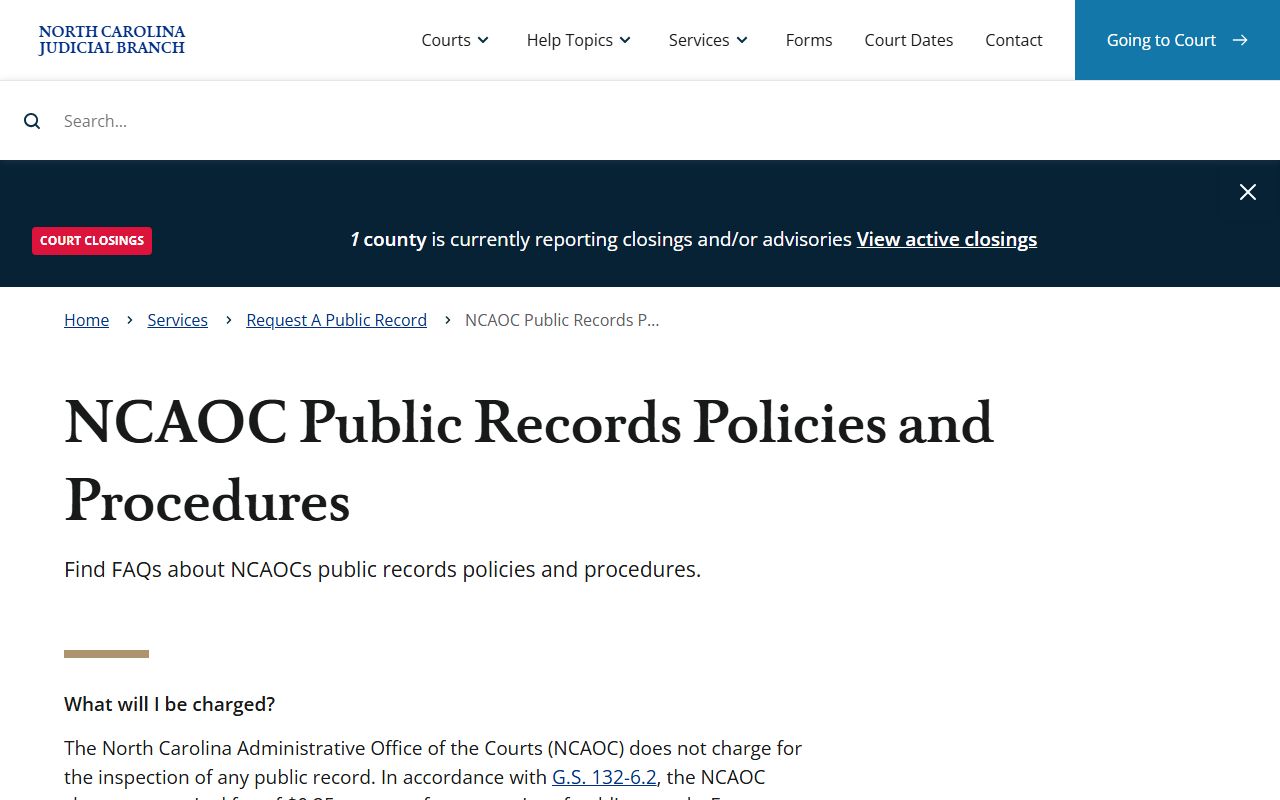
The policy outlines fees, timelines, and the form used to request voluntary mediation.
Wake's own local forms are posted on the Wake County local rules and forms page, though some files may be removed temporarily for accessibility work in 2026.
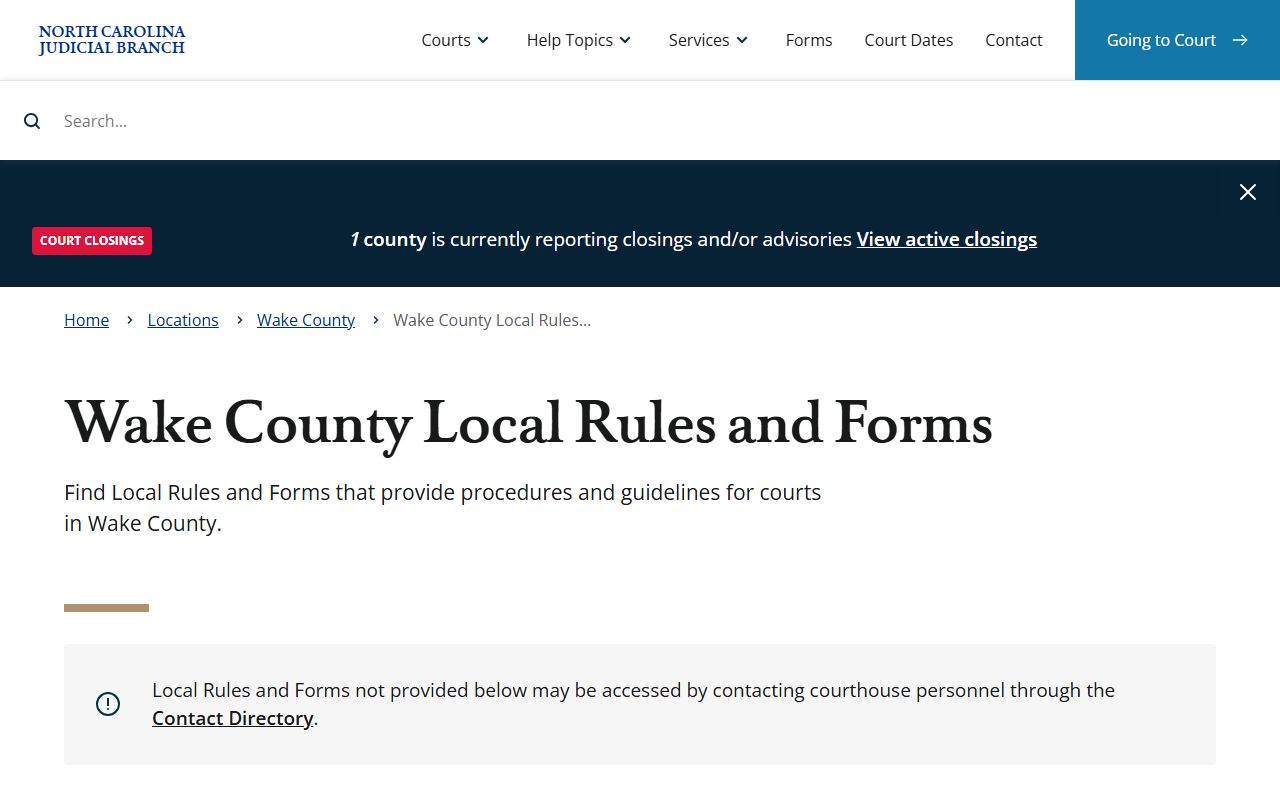
The page lists civil, criminal, domestic, and juvenile local forms used in Wake filings.
Court Records Versus Other Wake County Records
People often call the wrong office because several agencies hold records that feel related. Court case files belong to the Clerk of Superior Court. Land records, deeds, marriage licenses, and vital records belong to the Register of Deeds. Jail custody records belong to the Sheriff. State prison, probation, and parole records belong to the Department of Adult Correction. A divorce judgment is a court record, but a marriage license is not. A judgment lien may show in the court judgment index and also appear against real property in land records. Matching the record to the right custodian saves a lot of wasted calls.
| Record | Custodian | Where to Search |
|---|---|---|
| Court case files | Clerk of Superior Court | eCourts Portal and the Clerk |
| Deeds, maps, marriage licenses | Register of Deeds | Wake ROD records portals |
| Jail custody | Wake County Sheriff | Sheriff inmate inquiry |
| State prison and supervision | Dept. of Adult Correction | DAC offender search |
| Judgments and liens | Clerk of Superior Court | NC Judgment Search on the Portal |
The NC Judgment Search tile indexes judgments under N.C.G.S. § 7A-109(b)(6). For names that return too many hits, search fewer characters and try spelling variations, then confirm identity with a date of birth or case number before you rely on a match.